Platform Tour: Dashboard, Connections, Settings & Billing
Updated 2026-06-16 · 6 min read
Overview
The OptionsHood terminal is split into a public marketing site and a private dashboard. This guide covers both.
Marketing site navigation
The top navigation includes Home, Blog, User Guide, Pricing, and Login. The footer links to Privacy, Terms, and support channels.
Dashboard layout
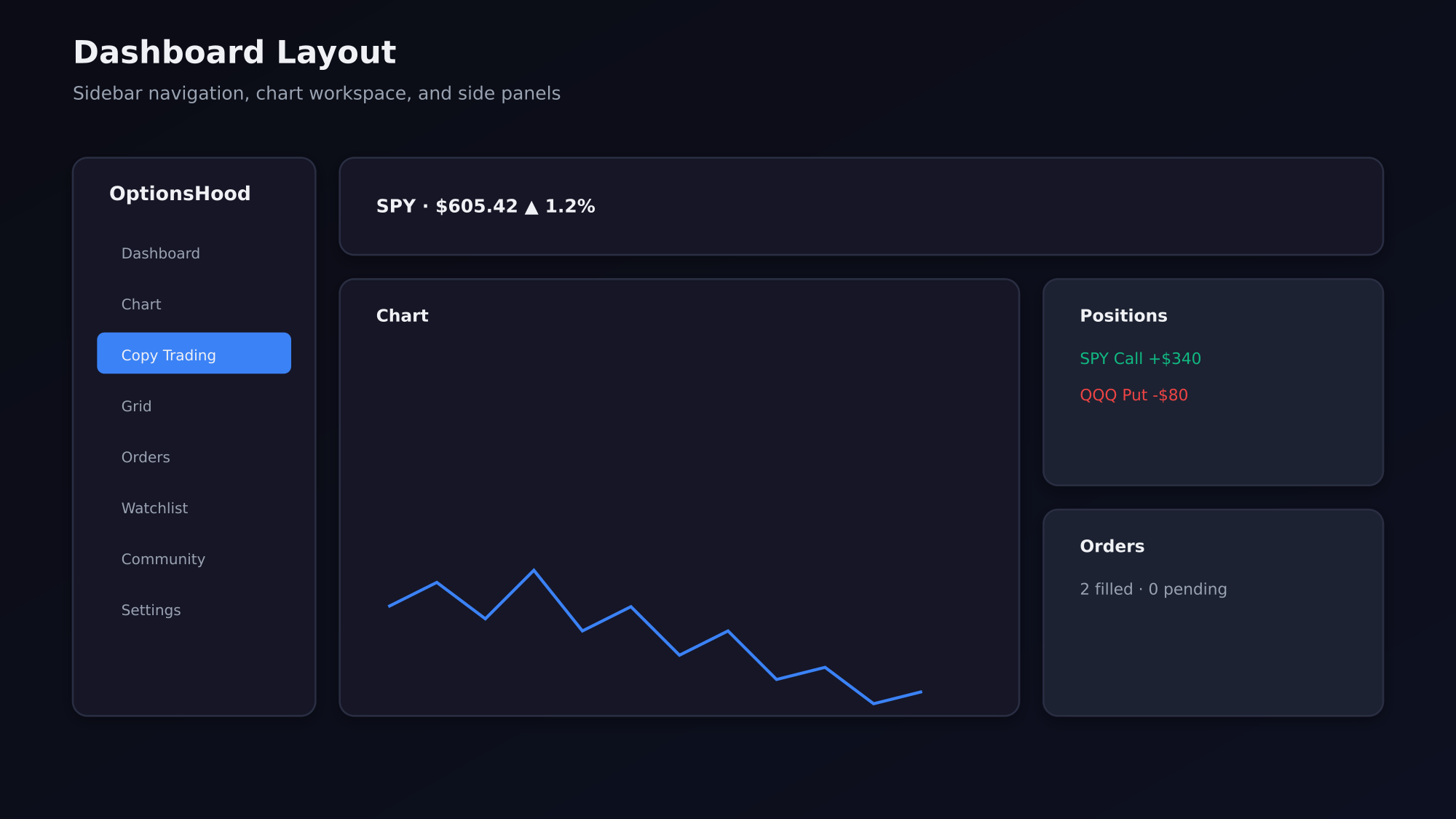
After login you land on the Dashboard. The left sidebar contains: Dashboard, Chart, Copy Trading, Grid, Orders, Watchlist, Community, Simulator, Settings, and Admin (if applicable).
Connections page
Settings → Broker Connections shows every connected broker account, permission status, and last sync time. You can disconnect or refresh a connection here.
Billing and subscriptions
Settings → Billing lists your platform plan, leader subscription fees, and invoices. Leader subscription fees are billed separately from the platform plan.
Cancel anytime
You can cancel a leader subscription from the Billing page or from the leader's profile. You keep access until the end of the billing period.