Quick Start: Sign Up to First Copy Trade
Updated 2026-06-16 · 7 min read
What you will accomplish
By the end of this guide you will have a verified OptionsHood account, a connected TastyTrade account, and one active copy subscription.
1. Create your OptionsHood account
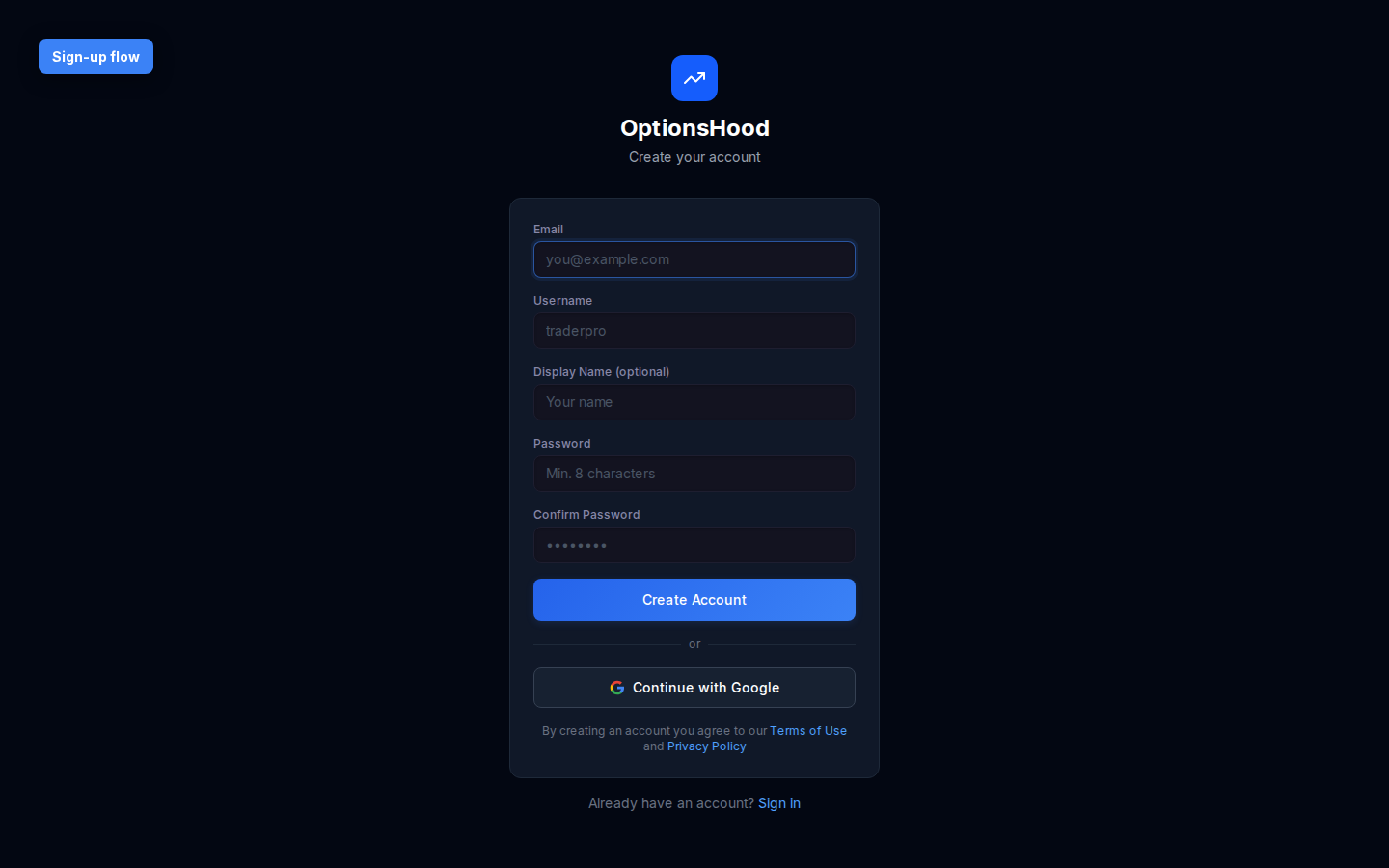
Go to optionshood.com and click Start Copy Trading. You can sign up with email or Google. After registration, check your inbox for a verification link. Verification is required before you can connect a broker.
2. Connect your TastyTrade account
From the dashboard, open Settings → Broker Connections and select TastyTrade. Enter your sandbox or live credentials. OptionsHood uses OAuth where available and never stores your broker password.
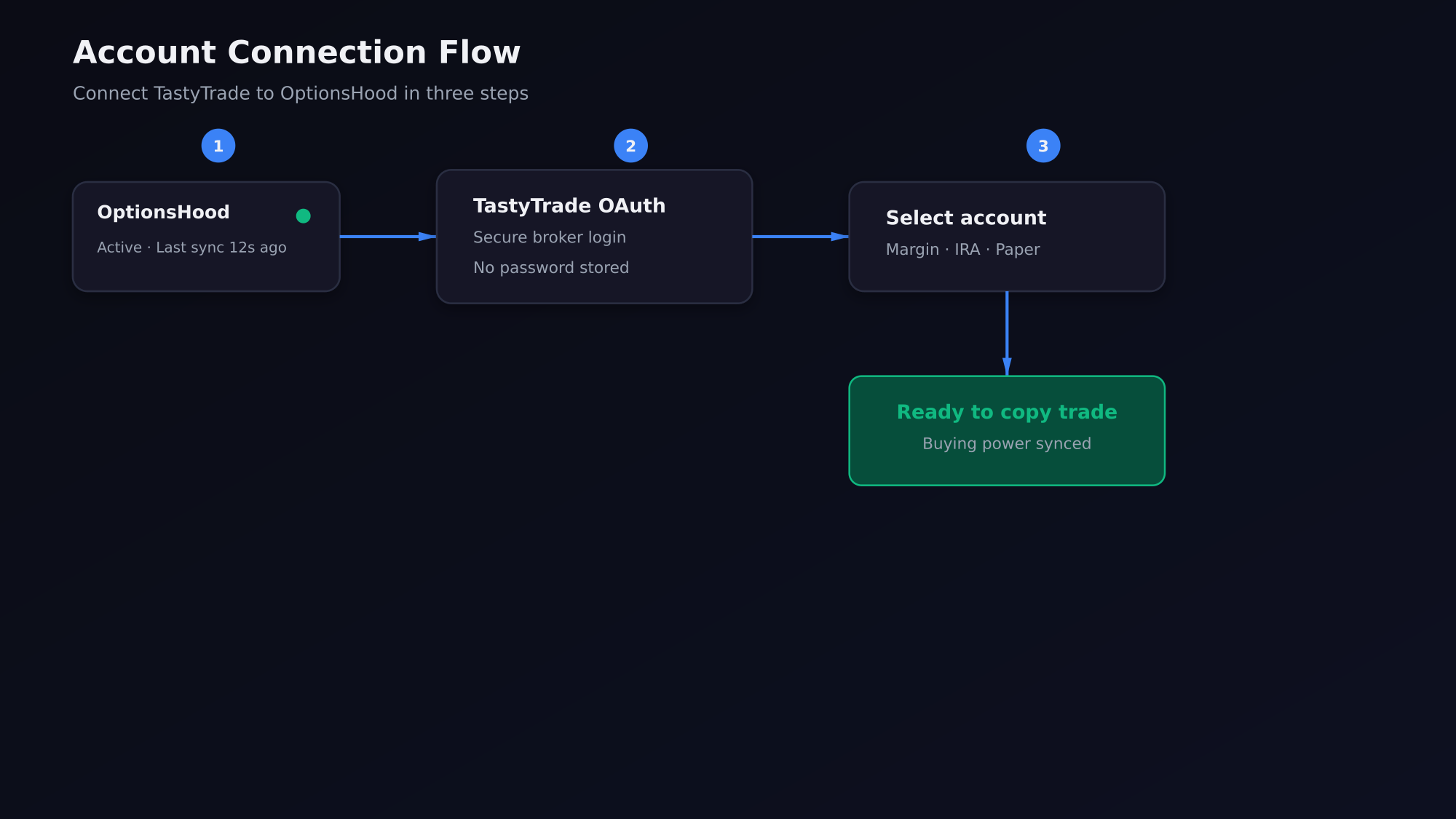
- Click Connect next to TastyTrade.
- Log in to TastyTrade in the secure popup.
- Select the account you want to use for copy trading.
- Return to OptionsHood and confirm the connection status is Active.
3. Fund and verify buying power
Your broker account must have enough buying power for the trades you want to copy. OptionsHood reads your buying power after connection. You do not deposit money into OptionsHood; trades happen in your broker account.
Paper trading first
If you are new to copy trading, start with a TastyTrade paper account. You can mirror real leaders with fake money until you are comfortable.
4. Choose a leader to copy
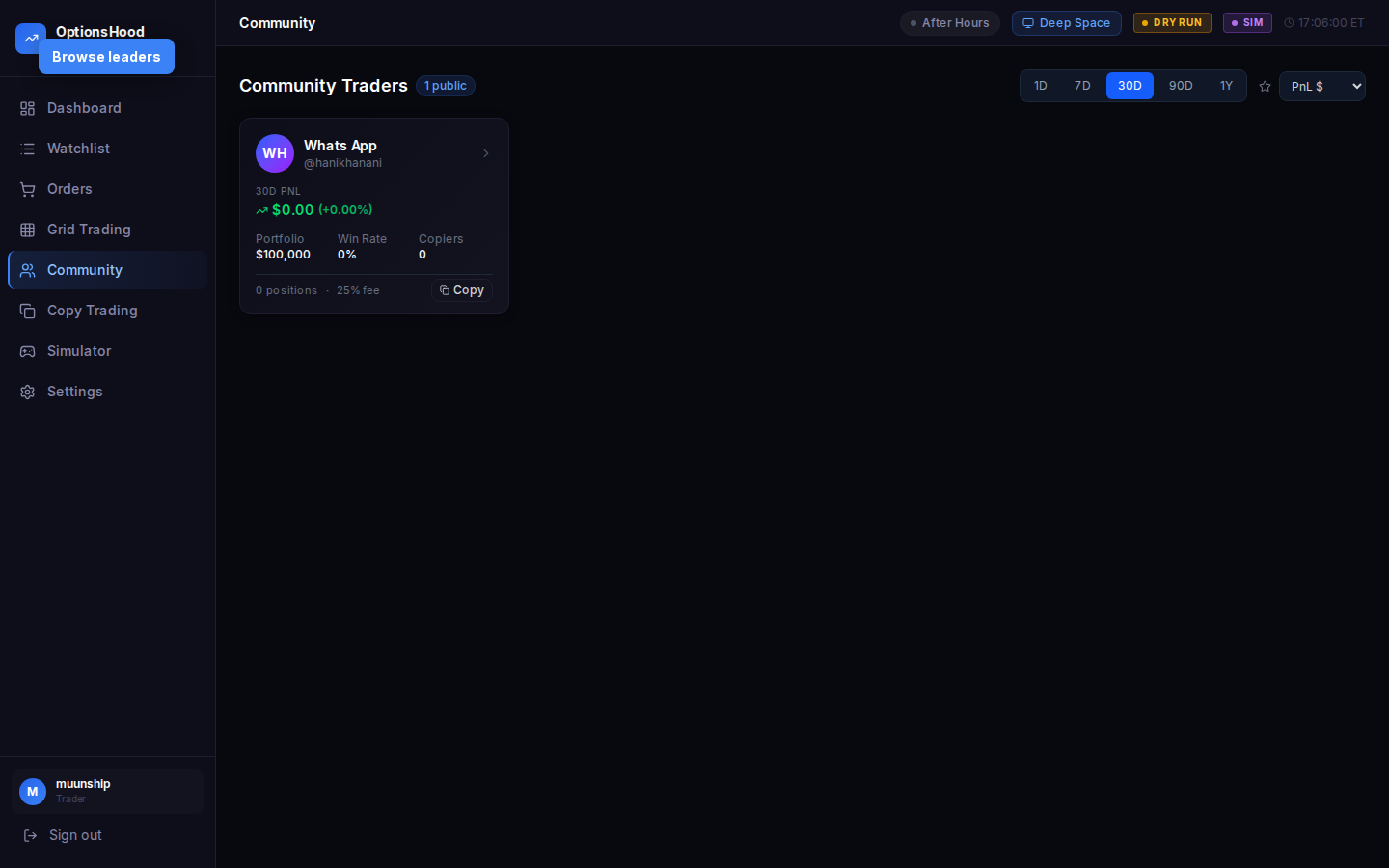
Open the Community page to browse verified leaders. Filter by strategy, asset class, and track record. Click a trader card to open their profile and review equity curve, win rate, drawdown, and recent trades.
5. Set allocation and subscribe
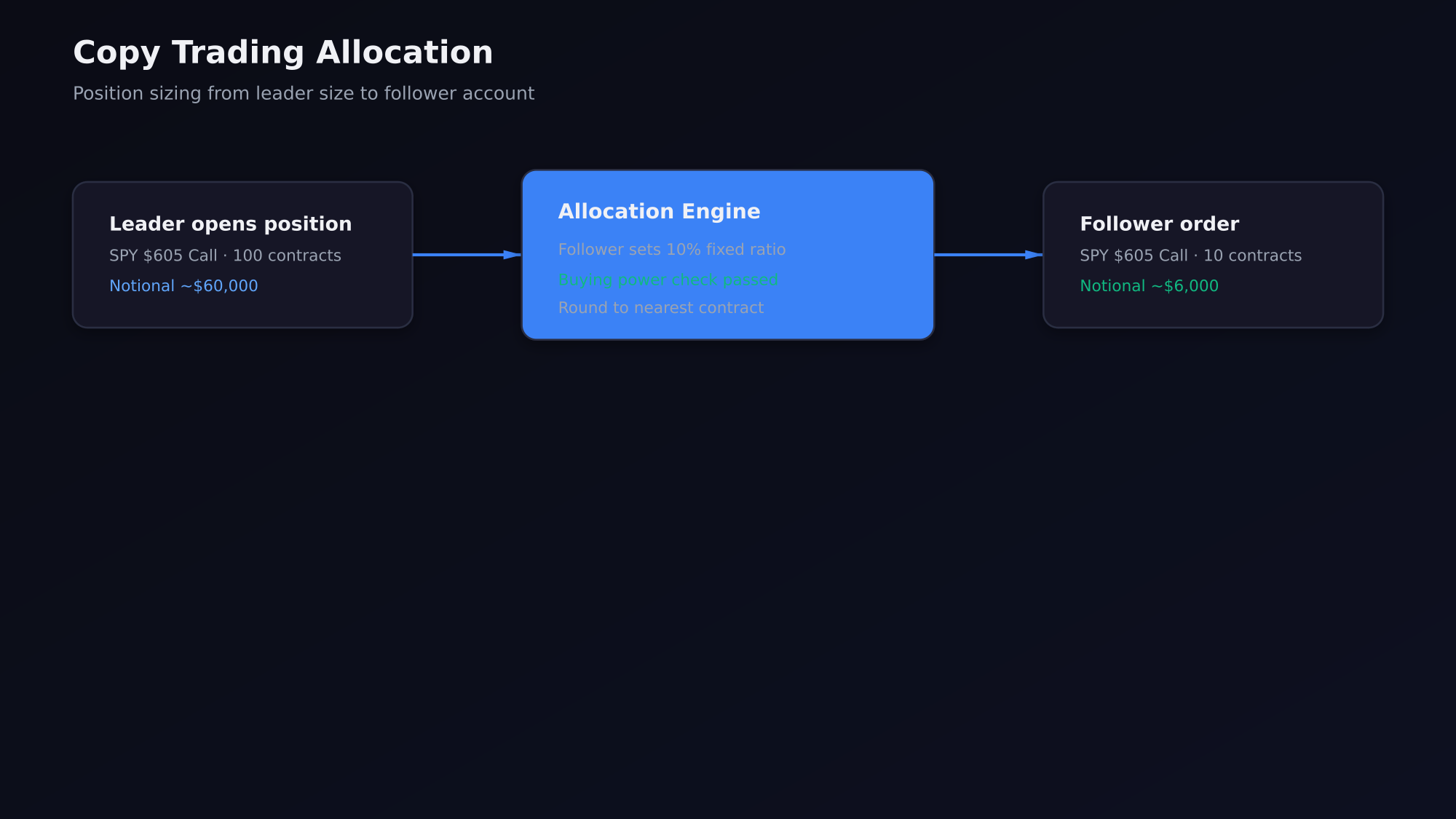
On the leader's profile, click Copy Trader. Choose your allocation method: fixed dollar amount, fixed contract count, or percentage of the leader's size. We recommend starting with 5-10% of your account per leader.
6. Confirm your first mirrored trade
Once subscribed, the platform will automatically mirror new trades from the leader. You can see live orders on the Orders page and positions on the dashboard. A push notification is sent for each filled order.
Next steps
After your first trade, read the Risk Management guide to set daily loss limits and learn how lockouts protect your account.